
Start with a CPU VPS if
you want to find out whether a small model is useful before paying for acceleration.
Practical VPS tutorial
Install Ollama on an Ubuntu VPS without a GPU, run a small AI model, test response speed, and connect from your laptop through a private SSH tunnel.
you want to find out whether a small model is useful before paying for acceleration.
CPU inference is too slow for your task.
You can run Ollama on an Ubuntu VPS without a GPU. This guide installs a small model, tests its API and connects it to your laptop through SSH. You don't need Docker or a domain.
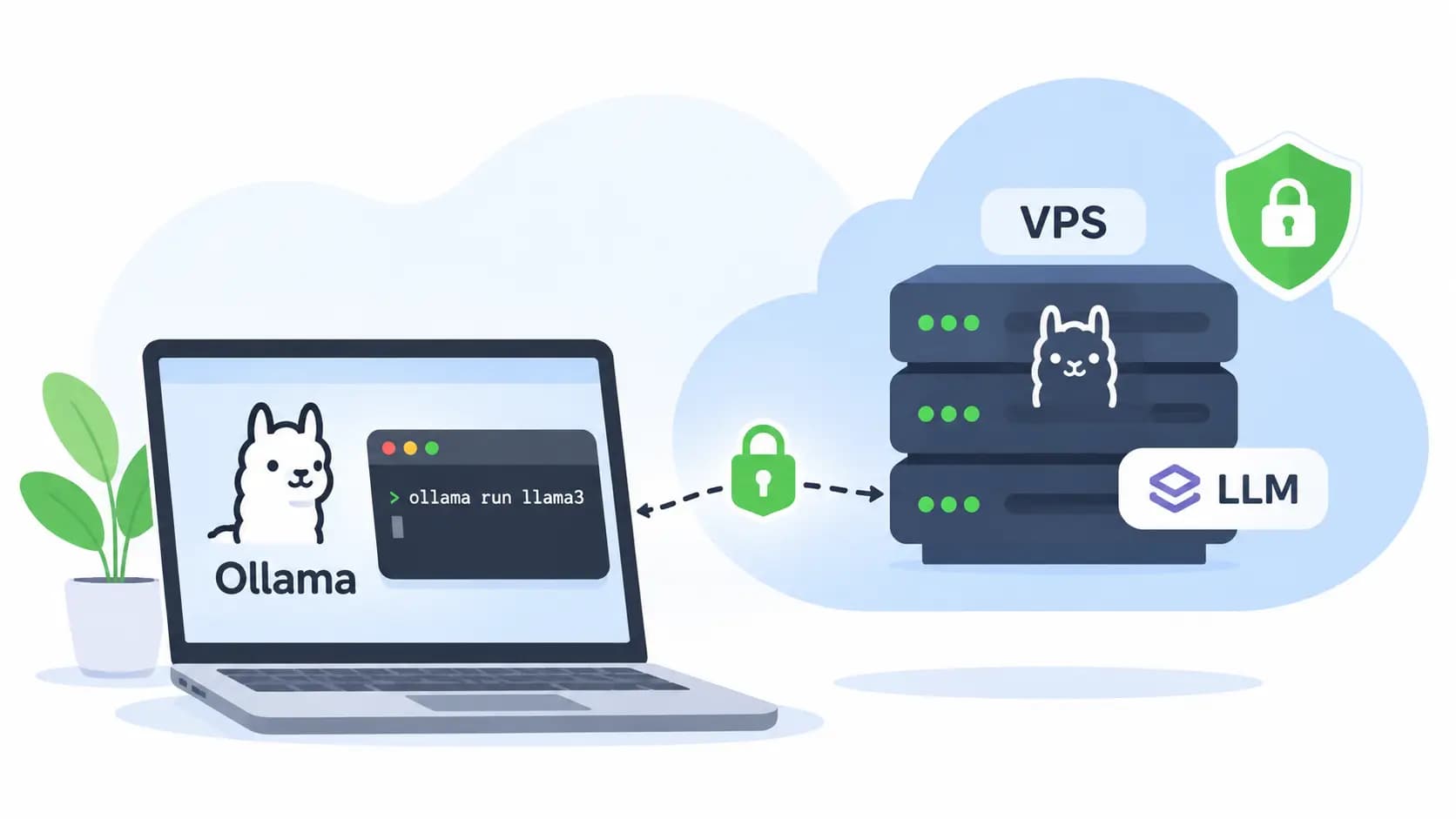
I wouldn't rent a GPU just to find out whether a personal summarizer is useful. Start with a modest CPU server and let your actual prompts tell you whether it needs more power.
We'll use qwen3:4b as the example. The model runs on the VPS even when your laptop is off; server maintenance and access are still your responsibility.
Use Ubuntu 24.04 LTS with systemd, SSH access and a sudo-enabled account. Run the server commands in the VPS's Bash shell. Step 5 marks the commands to run on your own computer.
For this small-model exercise, 4 vCPU, 8 GB RAM and 60 GB SSD is a reasonable test budget. These are planning figures, not official minimums or a speed guarantee.
The qwen3:4b model entry lists a roughly 2.5 GB Q4_K_M download. That isn't its total running-memory requirement. Our AI VPS RAM guide explains the extra memory used by context and the runtime.
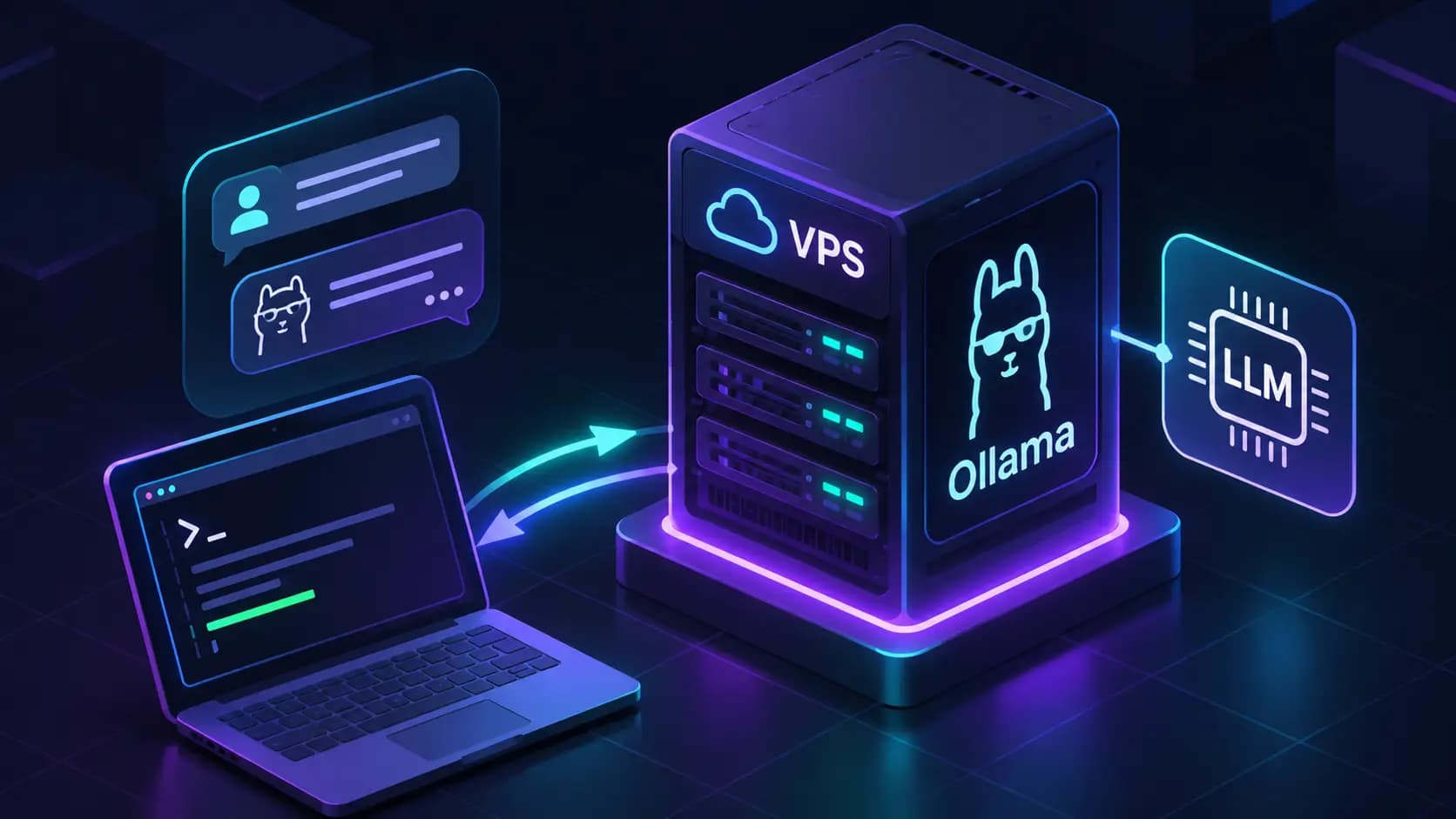
From your computer, connect to the VPS. Replace deploy with your existing sudo-enabled username and SERVER_IP with its address:
ssh deploy@SERVER_IPOn the VPS, install the tools used below:
sudo apt update
sudo apt install -y curl ca-certificates jq zstd less
Download the official installer, inspect it, then run it:
curl -fsSL https://ollama.com/install.sh -o ollama-install.sh
less ollama-install.sh
sh ollama-install.sh
Press q to exit less. The installer may request your sudo password and configures a service on this systemd setup.
ollama --version
sudo systemctl enable --now ollama
sudo systemctl is-active ollama
The last command should print active. If it doesn't, read the error before continuing:
sudo journalctl -u ollama -n 50 --no-pagerOllama's local API requires no authentication. We'll bind it to loopback and reach it through SSH, with no public opening for port 11434.
On the VPS:
sudo systemctl edit ollama.serviceAdd these lines in the editable area above the commented service contents, then save and close the editor:
[Service]
Environment="OLLAMA_HOST=127.0.0.1:11434"
Environment="OLLAMA_NO_CLOUD=1"
Environment="OLLAMA_CONTEXT_LENGTH=4096"
OLLAMA_NO_CLOUD=1 disables Ollama's cloud models and web search; see its local-only configuration. The 4,096-token context limits how much text the model can consider at once. Increasing it requires more memory.
Apply the settings and check the listener:
sudo systemctl daemon-reload
sudo systemctl restart ollama
sudo ss -ltnp 'sport = :11434'
curl --fail --silent --show-error http://127.0.0.1:11434/api/tags
Look for 127.0.0.1:11434 in the listener output and a model list from the API. An empty list is normal. If you see 0.0.0.0:11434 or [::]:11434, check the override: those addresses aren't restricted to loopback.
On the VPS:
ollama pull qwen3:4b
ollama list
ollama run qwen3:4b
Ask “Explain an SSH key to a beginner in three sentences.” Type /bye to leave the chat.
This specific small model keeps the example consistent. Change models later if its answers don't suit your task; a successful installation doesn't establish answer quality.
Two useful CLI commands:
ollama ps
ollama stop qwen3:4b
ps shows loaded models and CPU/GPU placement. stop unloads a model while keeping its downloaded files. The next request loads it again.
An application needs a working HTTP response. Run this on the VPS:
curl --fail --silent --show-error \
  http://127.0.0.1:11434/api/generate \
  -H 'Content-Type: application/json' \
  -d '{
    "model": "qwen3:4b",
    "prompt": "Explain an SSH key to a beginner in three sentences.",
    "stream": false,
    "think": false,
    "options": {"num_ctx": 4096, "num_predict": 128}
  }' | jq '{
    response,
    done,
    total_seconds: (.total_duration / 1000000000),
    load_seconds: (.load_duration / 1000000000),
    generation_tokens_per_second:
      (if .eval_duration > 0
       then .eval_count / (.eval_duration / 1000000000)
       else null end)
  }'
Look for an answer and done: true. stream: false returns one JSON response after generation finishes. think: false disables the Qwen3 model's thinking mode for this short test; controls can differ with other models.
Repeat the request. You just unloaded the model, so the first call includes loading time; the repeat shows its warm performance. The Generate API reports durations in nanoseconds, hence the divisions by one billion.
On your own computer, open a separate terminal:
ssh -N -o ExitOnForwardFailure=yes -L 127.0.0.1:11435:127.0.0.1:11434 deploy@SERVER_IPLeave it open. A quiet terminal is normal: -N opens the tunnel without a remote shell. The explicit local bind keeps the forwarded port on your computer's loopback address. See OpenSSH's forwarding documentation.
In another terminal on your computer:
curl --fail http://127.0.0.1:11435/api/tagsIn Windows PowerShell, use curl.exe in place of curl for that command. The response should list your downloaded model.
http://127.0.0.1:11434http://127.0.0.1:11435Port 11435 avoids colliding with a local Ollama installation using 11434. If it's occupied too, change the local port in both the tunnel and client address. Ctrl+C closes the tunnel; Ollama keeps running on the VPS.
Open WebUI is an optional chat interface with persistent accounts and history. Follow its deployment guide after the API works.
A container's 127.0.0.1 normally refers to the container. Connecting it to the host's loopback-only Ollama needs an appropriate network setup. Keep the UI private, allow extra RAM and retain its data volume and secret key when updating.
On the VPS:
sudo systemctl restart ollama
ollama list
Repeat the API request. Your downloaded model should still be available; the first call after restarting may take longer because it reloads into memory.
Save the service override and custom model definitions. Back up anything you can't download again, including a chat interface's database and secrets if you add one. Our self-hosted app backup guide covers persistent data and restore checks.
For updates, record ollama --version, review the Linux update instructions and rerun a known prompt afterward. Those instructions also explain selecting a specific installer version for repeatable deployments.
journalctl -u ollama.df -h.For memory problems, run these on the VPS during a request:
free -h
vmstat 1 10
ollama ps
sudo journalctl -k --since '15 minutes ago' | grep -Ei 'oom|out of memory|killed process'
Sustained swapping can make inference painfully slow. A CPU/GPU split in ollama ps describes model placement, not automatic offloading to disk. If memory is healthy but replies remain too slow, compare a GPU VPS with the same workload.
Yes, small quantized models are candidates for CPU inference on an 8 GB VPS. This guide uses qwen3:4b with a 4,096-token context as a starting test. Other services, longer context and simultaneous requests increase memory demand.
No. This guide installs Ollama directly and manages it with systemd. Docker is a separate deployment choice, useful for some optional interfaces and apps.
Local inference keeps model computation on that VPS, and this setup disables Ollama's cloud features. The hosting provider still operates the underlying infrastructure. Review connected tools, logging, access and backups before using sensitive prompts.
Use the SSH tunnel for this setup. Public access would expose a local API without authentication. Shared access needs an authenticated access layer, plus HTTPS or a suitable private network.
Next step
Commands assume a fresh Ubuntu server. Replace domains, users, database names and provider-specific values before running them. VPS sizing is a practical starting point, not a guarantee: monitor the real workload and resize when CPU, memory, disk or network headroom becomes tight.
Affiliate links: you pay the same price as buying direct.