
Start with a CPU VPS if
your app calls an external model API, or CPU inference already meets your deadline.
Practical VPS tutorial
Find out when a GPU VPS is worth it for local AI models. Compare CPU and API hosting, budget VRAM, test real workloads, and account for idle GPU costs.
your app calls an external model API, or CPU inference already meets your deadline.
local replies are too slow, requests queue under load, or a batch job misses its deadline.
A GPU VPS is worth considering when you run AI models on your own server and CPU inference is too slow, cannot handle the workload, or isn't supported by the chosen software. If your app calls an external model API, the provider handles that inference. Your VPS doesn't need a GPU for it.
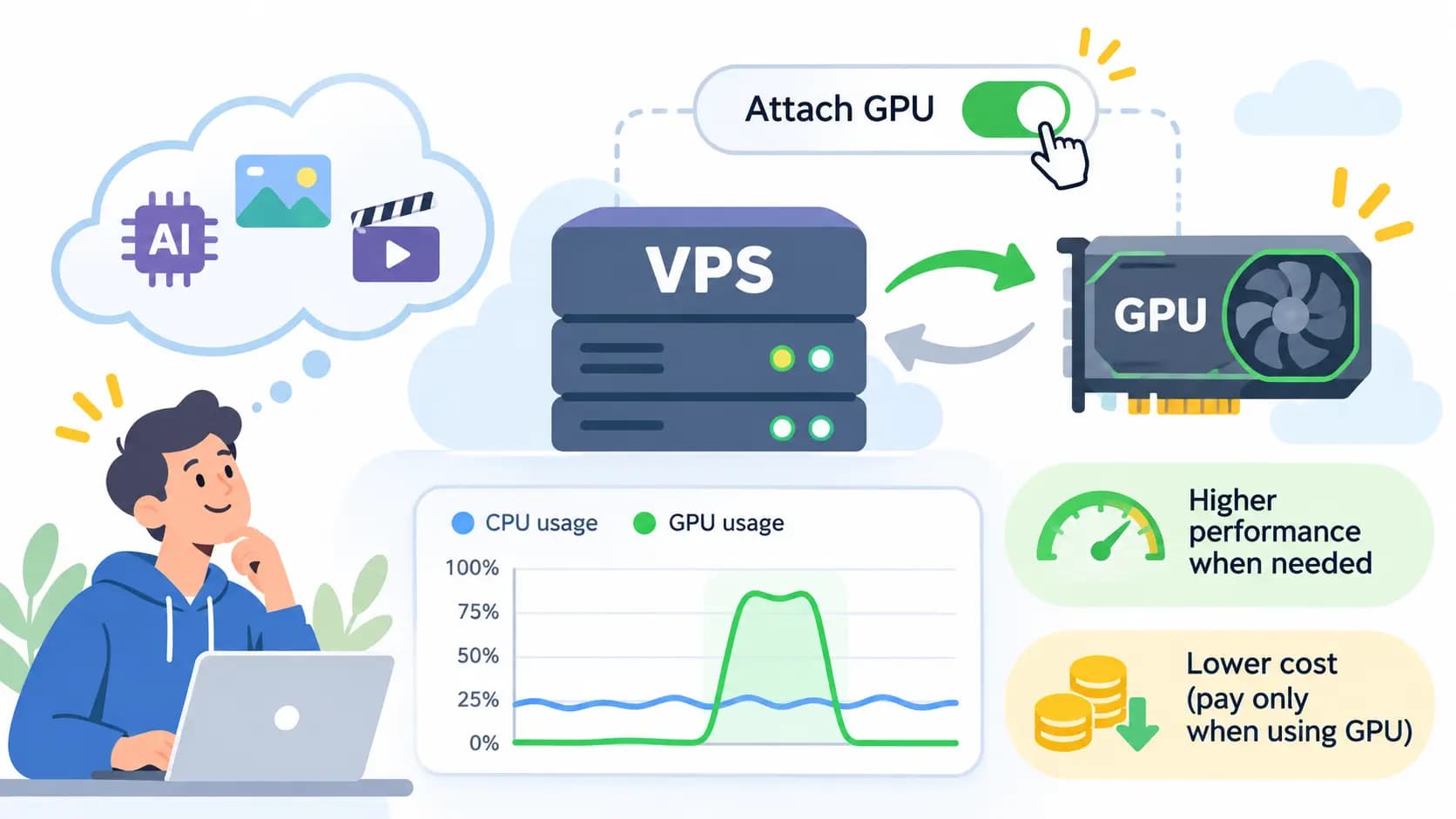
My first question would be: “Which part of the app needs to get faster?” An AI label on the project isn't much of a hardware requirement. A personal chatbot, a document service for a team and an image generator can need very different setups.
Start with where the model runs, then check performance, memory and cost. That gives you a reason to rent a GPU you can actually measure.
An overnight transcription job and live captions have different deadlines. “Can it run on CPU?” and “Can it finish on time?” are separate questions.
Also check the app's other tasks. A remotely hosted language model doesn't remove the resources needed for local browser automation, file processing or an embedding model.
For interactive chat, measure both the wait for the first generated content and the time to finish the answer. A GPU may improve prompt processing and generation, but the result depends on the model, quantization, context, runtime and allocated hardware.
Try the prompt your app really sends. A one-line greeting tells you little about a document assistant that sends several pages of context. If retrieval or file parsing dominates the wait, fix that part before buying more inference capacity.
A setup that feels fine for one person may struggle when requests overlap. More concurrent work needs memory and serving capacity. Batching can improve total throughput, while individual users may still wait in a queue.
Set a waiting-time target and test the expected overlap. Serving runtimes such as vLLM expose queue, cache and latency metrics to help distinguish these problems. A higher total tokens-per-second number is only useful if users receive timely replies.
For summarization, embeddings or transcription, compare the whole job's completion time. If CPU finishes comfortably before the next batch arrives, faster hardware may offer little practical benefit.
I'd test a GPU when the job repeatedly runs late, or when finishing sooner frees resources the app needs. Include file loading, model startup and output handling in that test.
VRAM is GPU memory. Host RAM serves the CPU and applications. A plan with 32 GB RAM and 8 GB VRAM doesn't provide 40 GB of fast GPU memory. Disk space is separate again.
For an inference workload, use this budget:
Required VRAM = GPU-resident model weights
              + context/KV cache
              + runtime and working buffers
              + spare capacity
Start with the exact model artifact. For example, Ollama lists qwen3:8b as a roughly 5.2 GB Q4_K_M download. That file size alone cannot tell you whether the full workload fits in 8 GB VRAM.
Quantization reduces weight memory by storing weights at lower precision. Cache, buffers and other allocations don't all shrink in the same proportion; see Hugging Face's quantization documentation.
For many transformer models, longer context and more parallel requests increase KV-cache memory. The amount depends on model architecture, cache precision and runtime settings. Sliding-window and other attention designs can behave differently; Hugging Face's cache guide explains the distinctions.
Choose the context your task needs, then test memory at that context and concurrency. Ollama supports explicit context-length settings; don't assume the runtime's automatic choice matches your workload.
An inference memory estimate also isn't a training estimate. Fine-tuning can add activations, gradients and optimizer state, depending on the method. Use the training recipe's requirements before renting hardware for that job.
Some runtimes can place part of a model on the CPU when it doesn't fit entirely on the GPU. This can make a configuration usable, but CPU work and data transfers affect speed. Host RAM is helpful here; it doesn't behave like extra VRAM.
With Ollama, ollama ps shows whether a loaded model uses CPU, GPU or a split, as explained in its FAQ. Before moving to a larger allocation, compare a smaller model, shorter context or suitable quantization against your quality target.
Use a short rental to answer a specific question, such as whether the same local model can handle your document prompts within the required waiting time.
Record these results side by side:
For an Ollama setup, our private VPS installation tutorial includes an API timing example. Its Generate API reports load, prompt-processing and generation durations in nanoseconds:
Generation tokens/second = eval_count / (eval_duration / 1,000,000,000)That measures generation throughput, not time to first token. Measure the latter from the streaming client, including the network path your users will take.
During a request on an NVIDIA-backed server running Ollama:
nvidia-smi
ollama ps
free -h
nvidia-smi checks device visibility and driver status; ollama ps reports model placement. Check the runtime's hardware support before choosing an accelerator.
If the app runs in Docker, host GPU visibility doesn't prove the container can use it. NVIDIA provides a container test workload. Fix access or compatibility problems before judging inference speed.
An hourly GPU can be affordable for a short job and expensive when left running. For illustration, assume $0.50 per billable compute hour. This is an example rate, not a live provider quote.
Add storage, transfer, taxes, licenses and any charges that continue while stopped. Include model downloads and warm-up in the billable time. For an API comparison, use your expected input/output volume, the provider's current rates and any tool charges.
I would write down the stop procedure before starting a rental. Check data persistence at the same time. For example, Runpod's Pod management guide says stopping releases the GPU while retained volume storage remains billable; termination has different data-retention rules. Other hosts can work differently.
A “GPU VPS” may include a whole device or a smaller allocation. NVIDIA's MIG documentation describes how supported GPUs can be partitioned. A physical card's name in a listing doesn't tell you your usable VRAM or compute share.
GPU rentals also come as containers and bare-metal servers. Confirm the deployment type and the management access your software requires.
Before paying, check:
No GPU is needed on your VPS for that remote model inference. Size the VPS for the application, tools and data. Local embeddings, transcription or image processing may introduce a separate GPU requirement.
Some quantized 8B configurations can fit. Longer context, cache, runtime buffers and concurrent requests can push the workload beyond 8 GB. Check the exact model and settings rather than treating parameter count or download size as the requirement.
It can be, especially for time-sensitive local inference or image generation. For occasional small-model chat, test CPU first. The useful comparison is the waiting time and total cost for your own workload.
Extra hardware alone doesn't make a model more reliable. It may let you run a larger model or use different settings, but those changes still need quality tests. Check model choice, prompts and retrieved context as well as speed.
Only if the service needs that availability. Scheduled jobs can use temporary GPU workers, while interactive apps must account for startup delays. Check the host's stop, storage and restart rules before relying on that arrangement.
Next step
Commands assume a fresh Ubuntu server. Replace domains, users, database names and provider-specific values before running them. VPS sizing is a practical starting point, not a guarantee: monitor the real workload and resize when CPU, memory, disk or network headroom becomes tight.
Affiliate links: you pay the same price as buying direct.